 Burning Bridges AI15-second party videos
Lounge Party
29s · 1280×720 · Sound on
Upload one photo and star in your own Burning Bridges AI party video.
Three party videos, presented with their original sound and full frame.
29s · 1280×720 · Sound on
20s · 1280×720 · Sound on
22s · 1280×720 · Sound on
Showcase videos retain their original lengths. The generator creates 15-second, 720p, 9:16 videos.
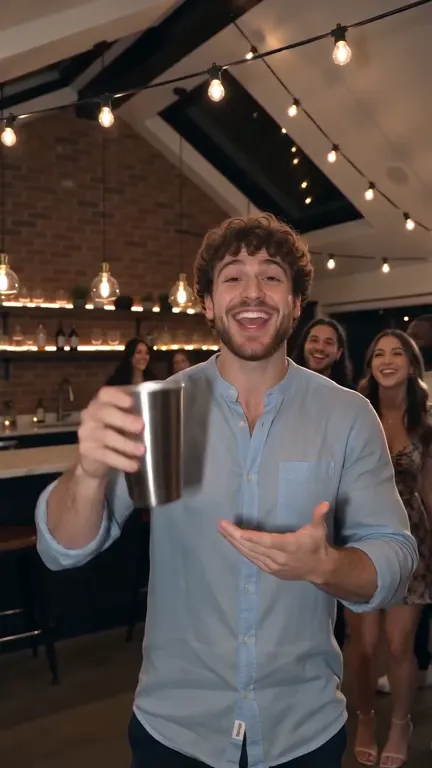
Lift a glass to start the party.
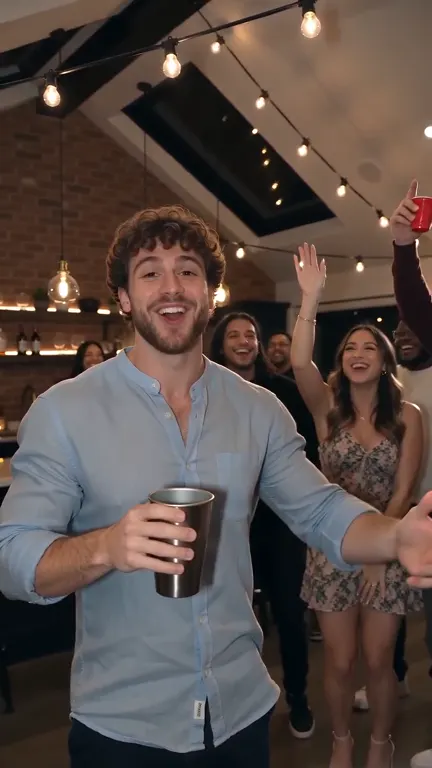
Reach out to greet the party guests.
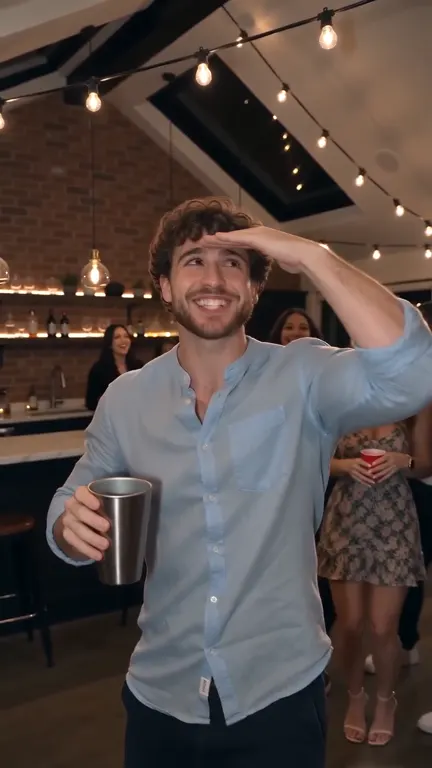
Shade your eyes and scan the room.
Choose a clear photo of one adult you have permission to use.
Sign in and use one generation from your video pack.
Check your finished video, then download it.
$9.90/one-time
1 generation
$19.90/one-time
3 generations
$29.90/one-time
5 generations
One-time payment · 365-day validity · No auto-renewal
A photo-to-video tool for the party trend: raise a toast, wave to the guests and shade your eyes to search the crowd.
Use a clear JPG or PNG of one adult, at least 301 × 301 pixels and up to 10 MB. You must have permission to use the photo and likeness.
A 15-second, 720p, 9:16 MP4. AI-created details, identity and motion can vary.
Generation requests include sound. The soundtrack may differ from the reference; check the audio before sharing.
Sign in, choose a pack and complete secure checkout. Uses are added only after payment is confirmed.
No. Each pack is a one-time purchase with no automatic renewal.
Each purchase expires 365 days after its confirmed payment time. Earlier-expiring uses are used first. Packs belong to this site only.
A confirmed technical failure releases the reserved use. An uncertain task keeps its reservation while we check it; it is not automatically submitted again.
Uploaded portraits are private and retained for up to 7 days; completed videos for up to 30 days. Download your video promptly. The 365-day pack expiry is separate from storage time.
Only if you hold the necessary rights to the photo, likeness, music and other material. AI generation alone does not grant those rights.
Report the issue from My videos. An approved original task can receive one replacement use with the original expiry. No paid remake is submitted automatically. See our refunds and quality policy.